Free shipping for orders over $20
Power Banks to Complement your iPhone 18 Pro.
Cart
Your cart is empty

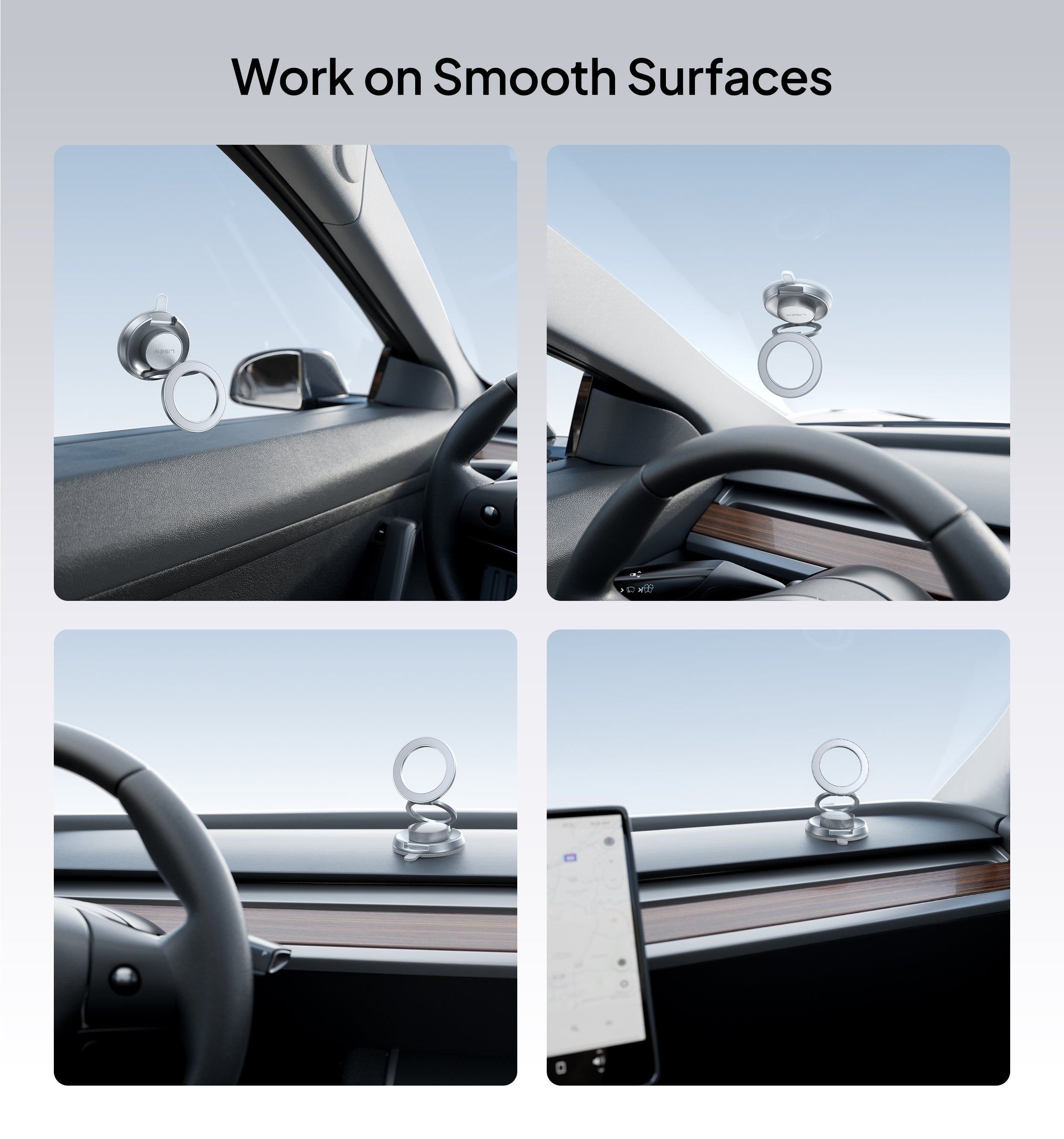

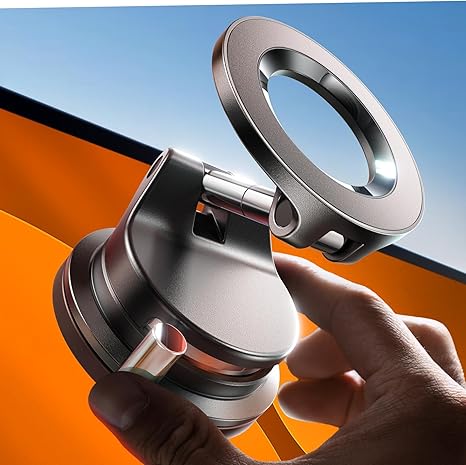

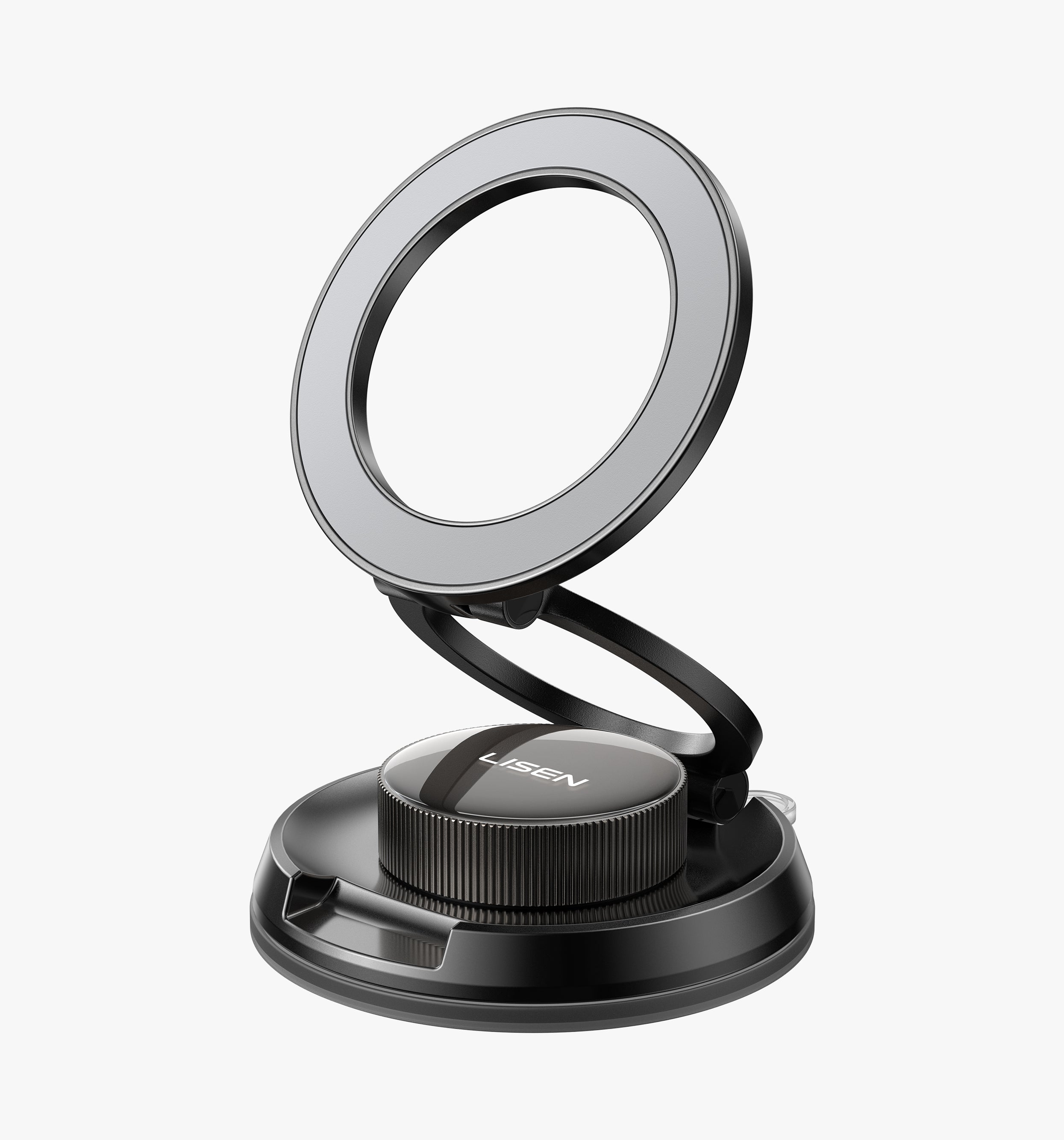
![LISEN Suction Car Phone Holder, [Industry First]](http://lisen.com/cdn/shop/files/A609.jpg?v=1784193225)
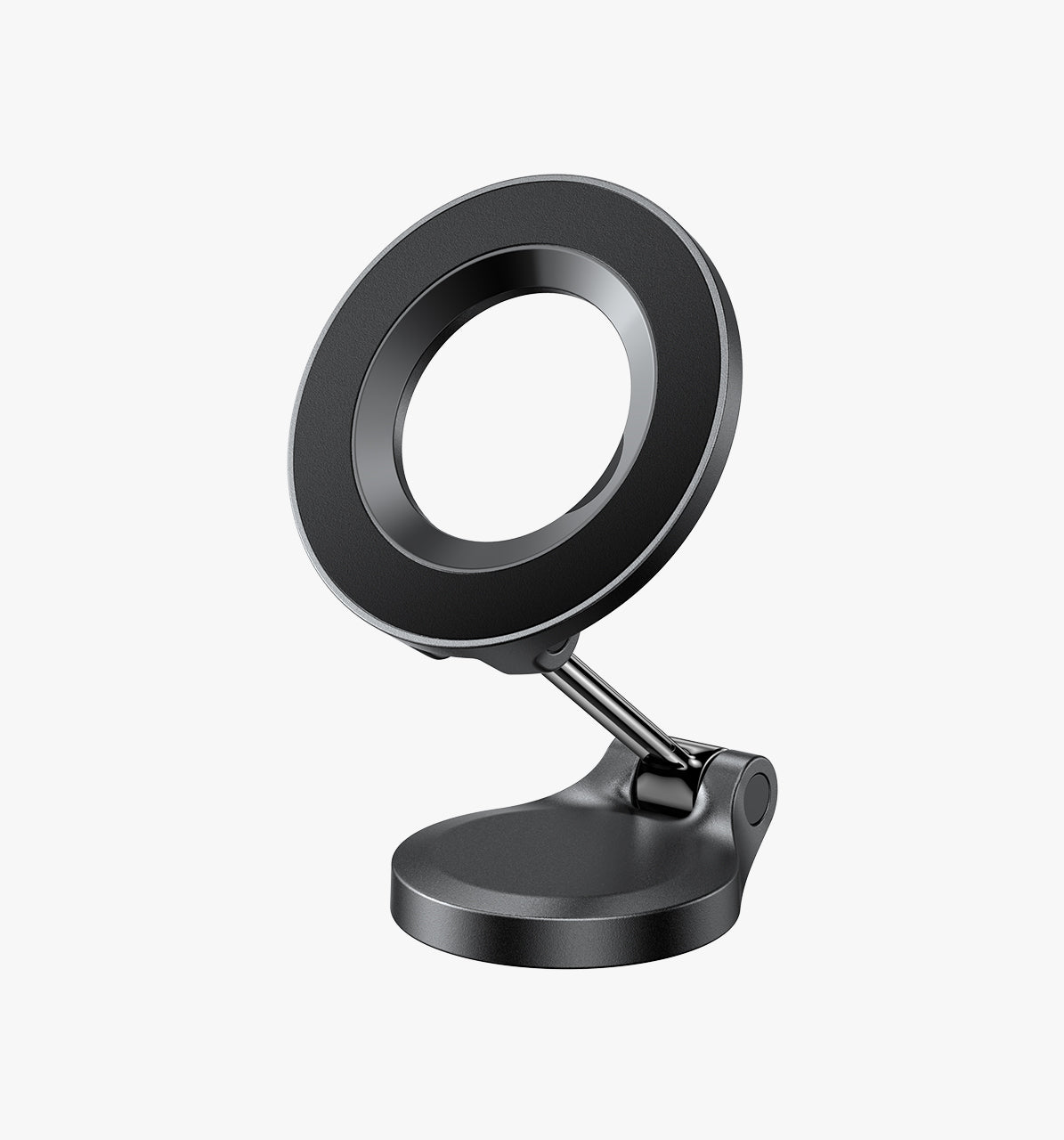
![LISEN Mini MagSafe Car Mount Charger[Mini & Fast Charging]](http://lisen.com/cdn/shop/files/Magsafe.jpg?v=1784190056)

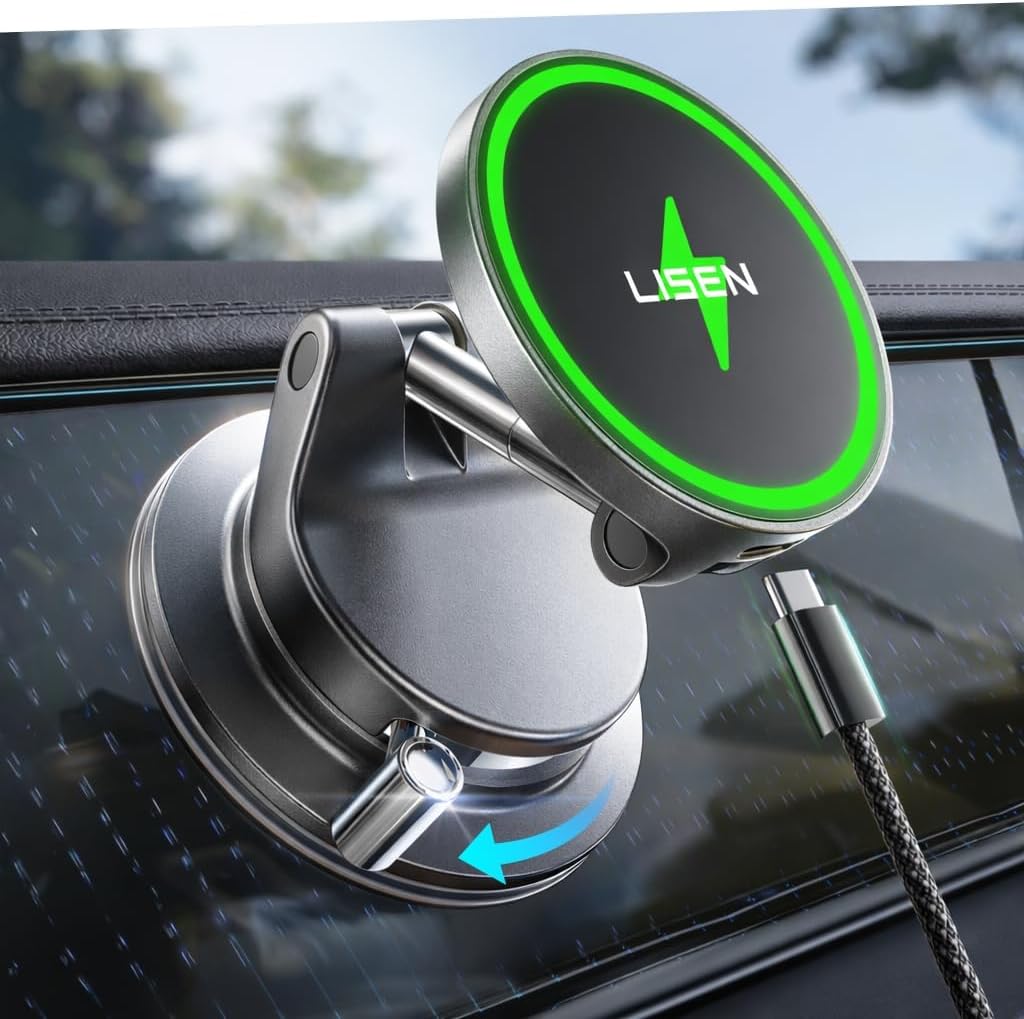
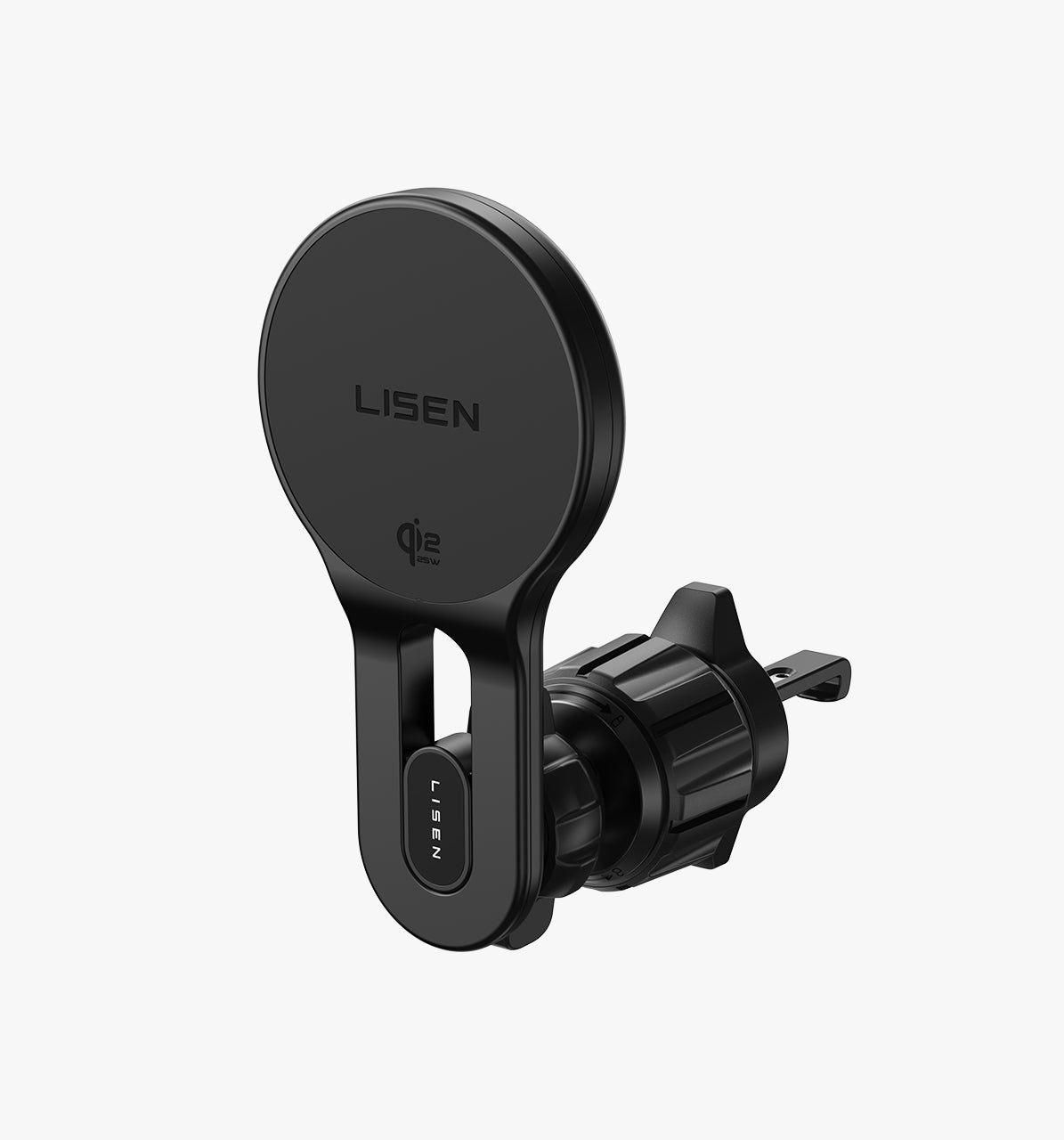
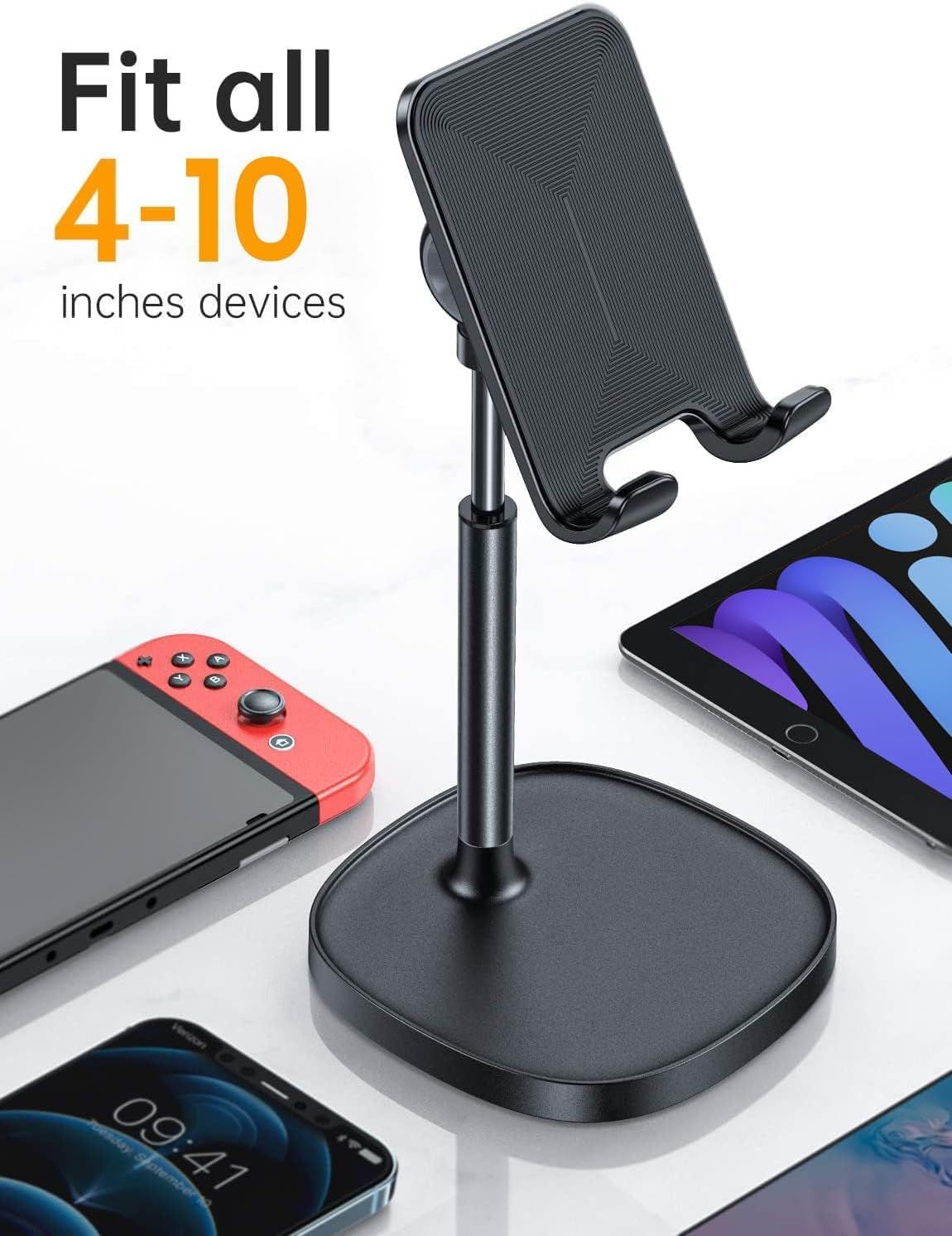
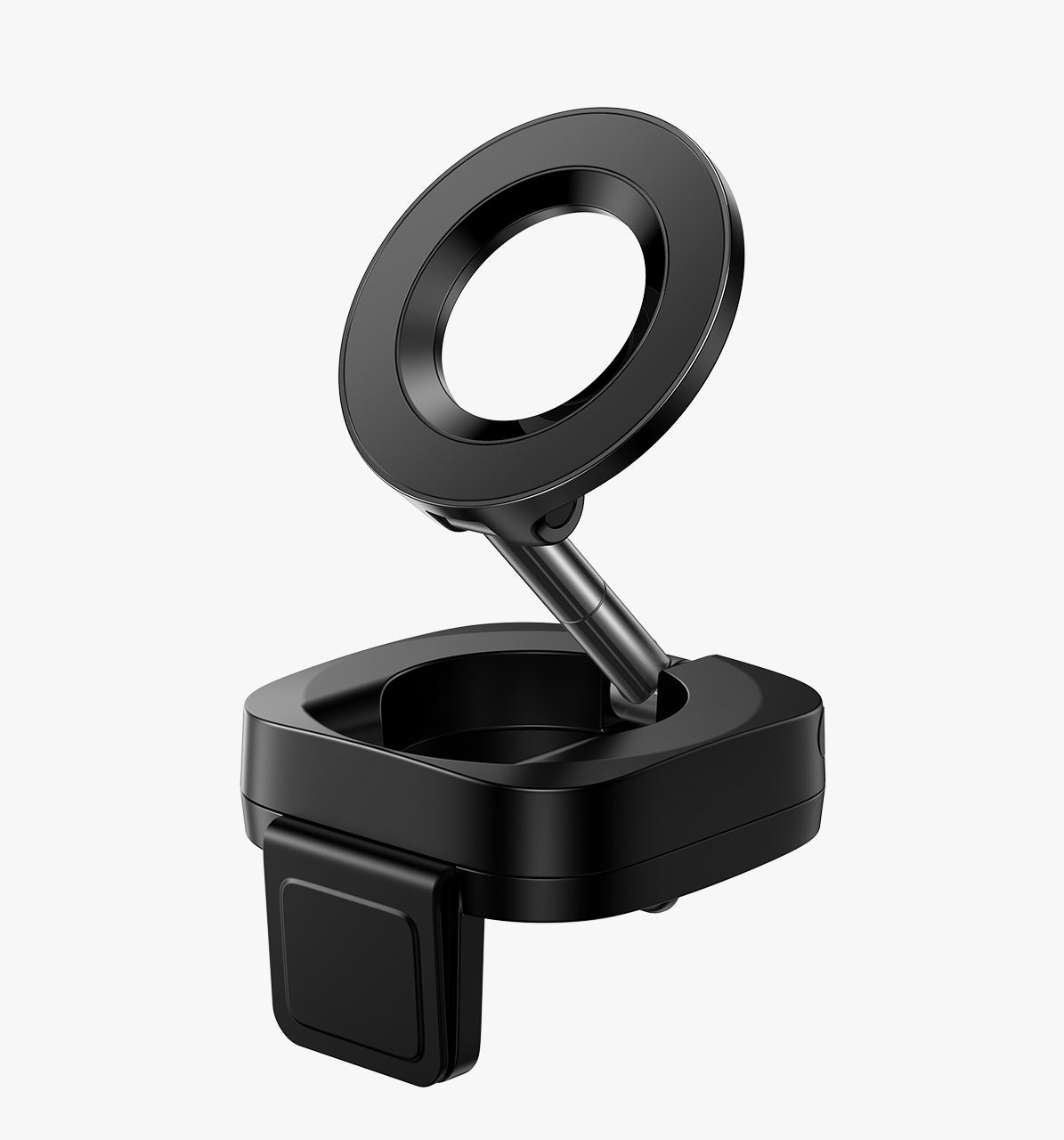

![LISEN Bike Phone Holder Mount,[Super Easy Install]](http://lisen.com/cdn/shop/files/037d4f758b254aebf7f053a980f5057d_bcb1f292-7502-417b-9a44-d0f0e67da182.jpg?v=1783940322)
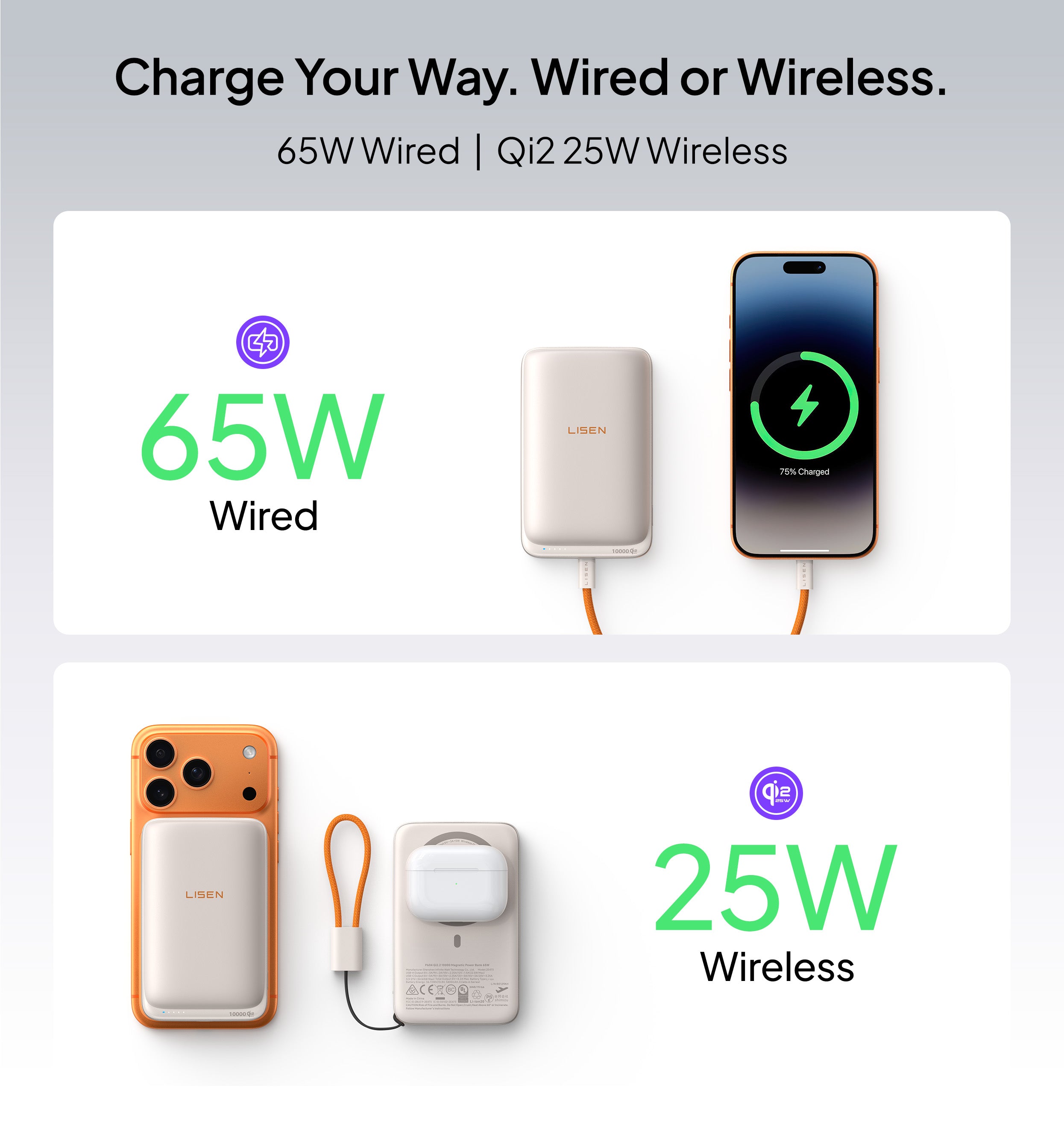
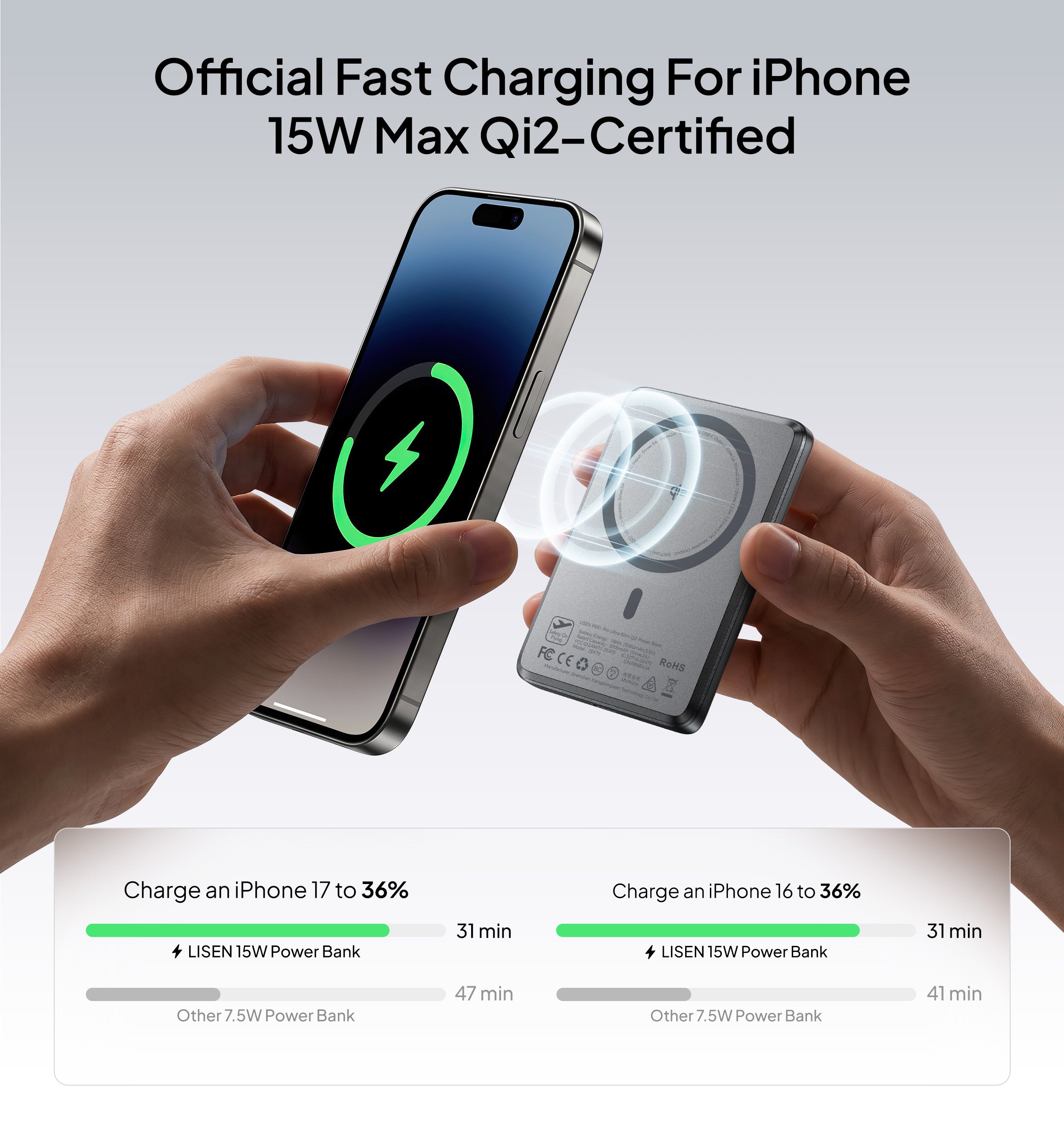
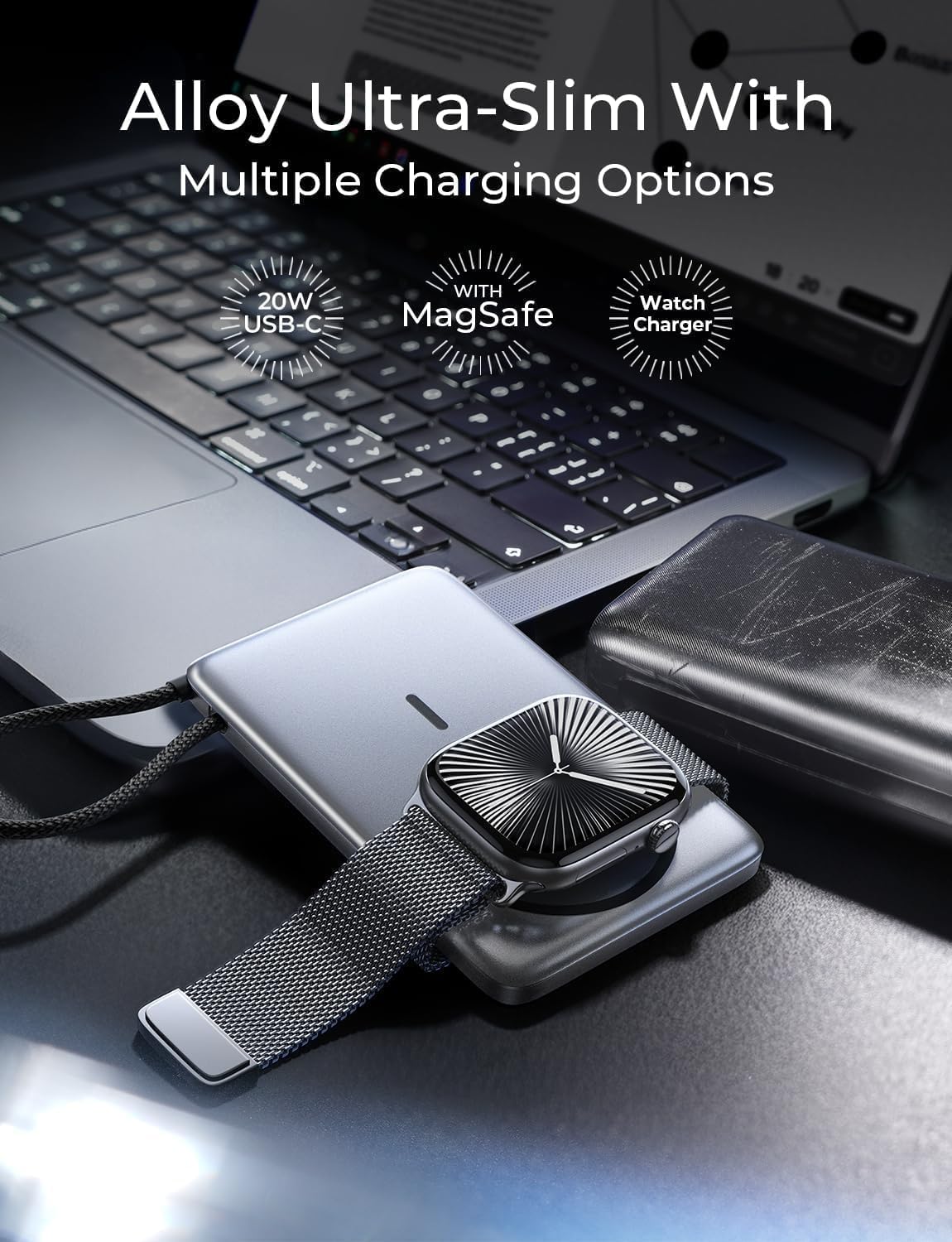

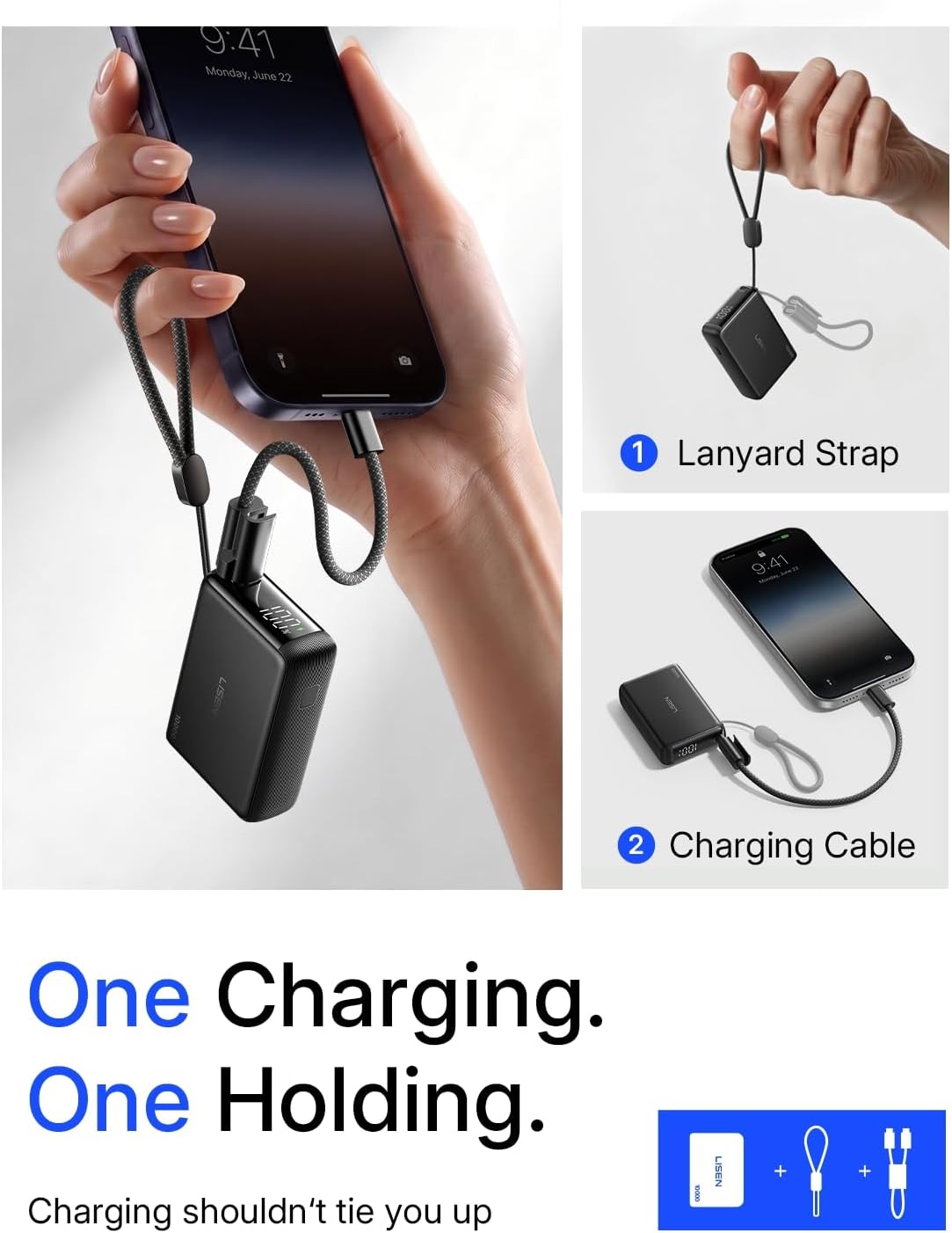
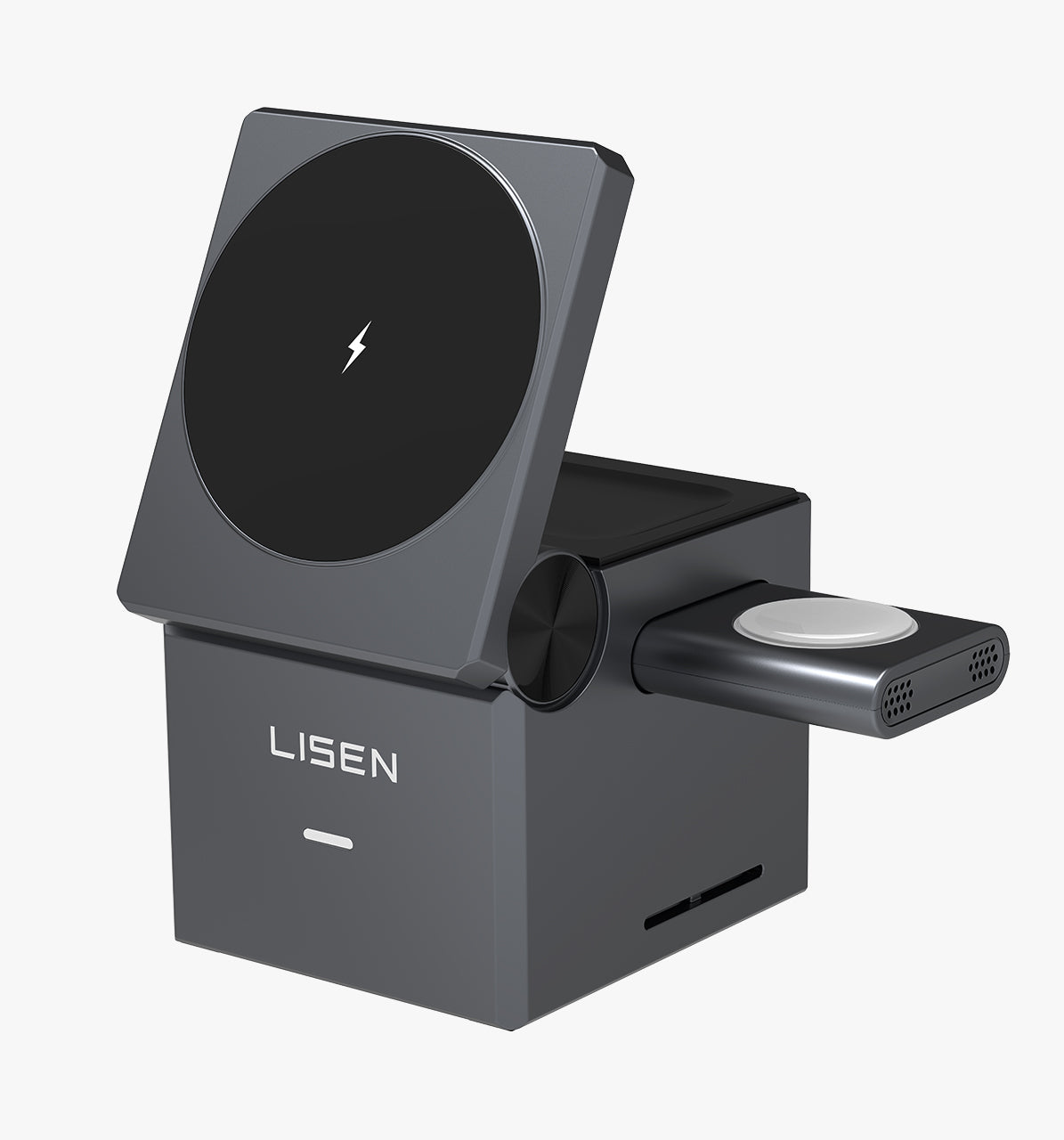
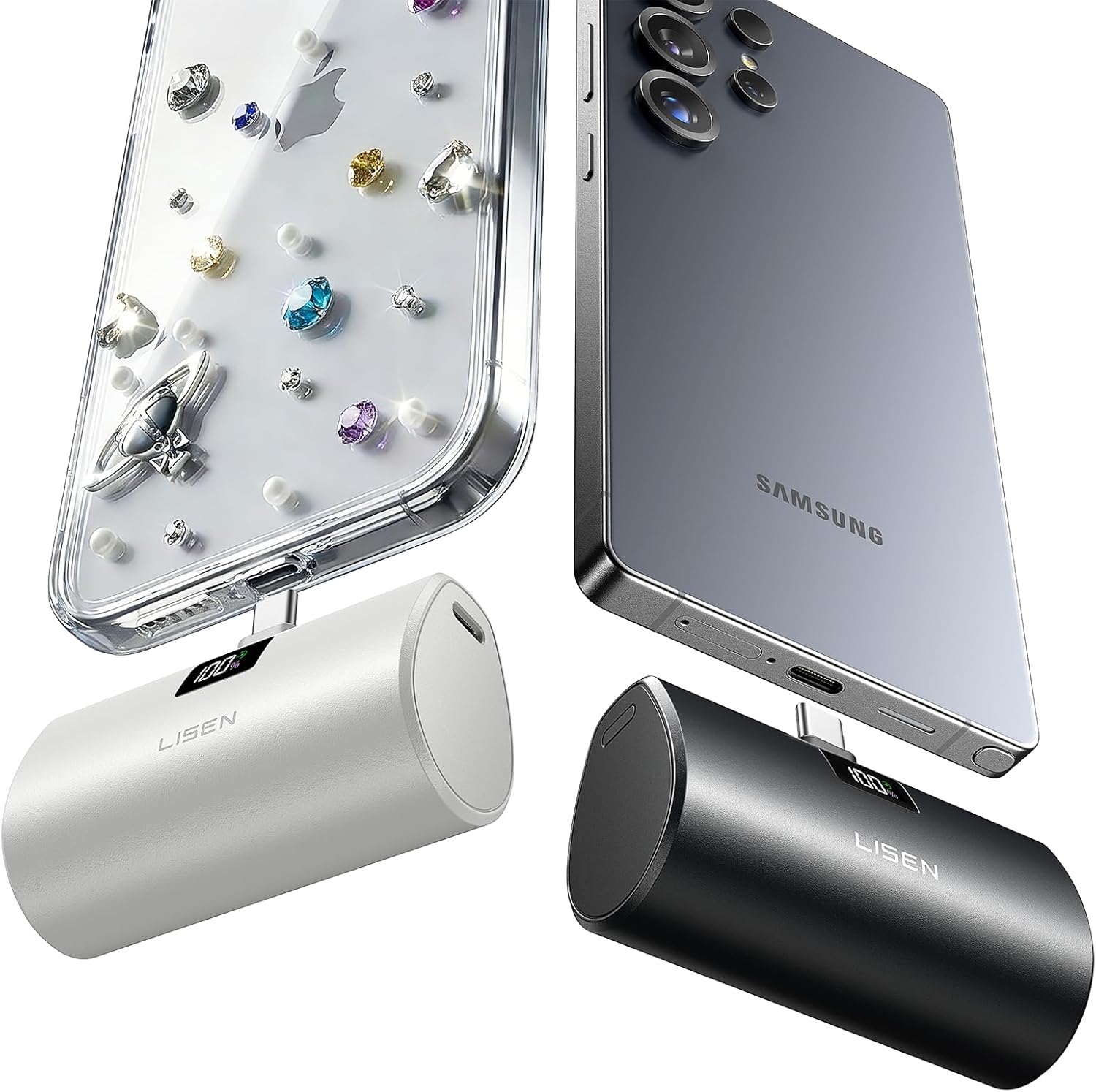
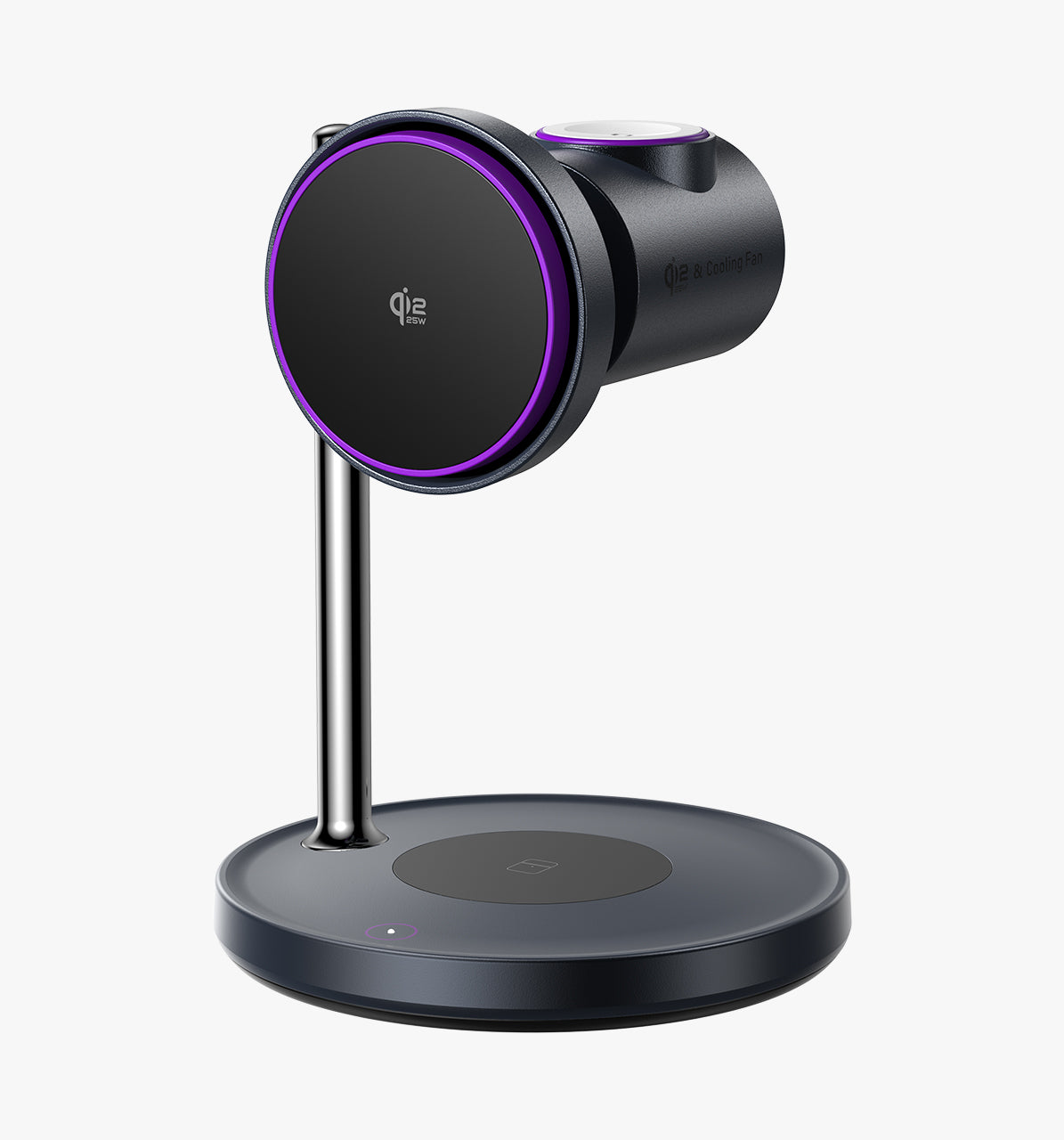
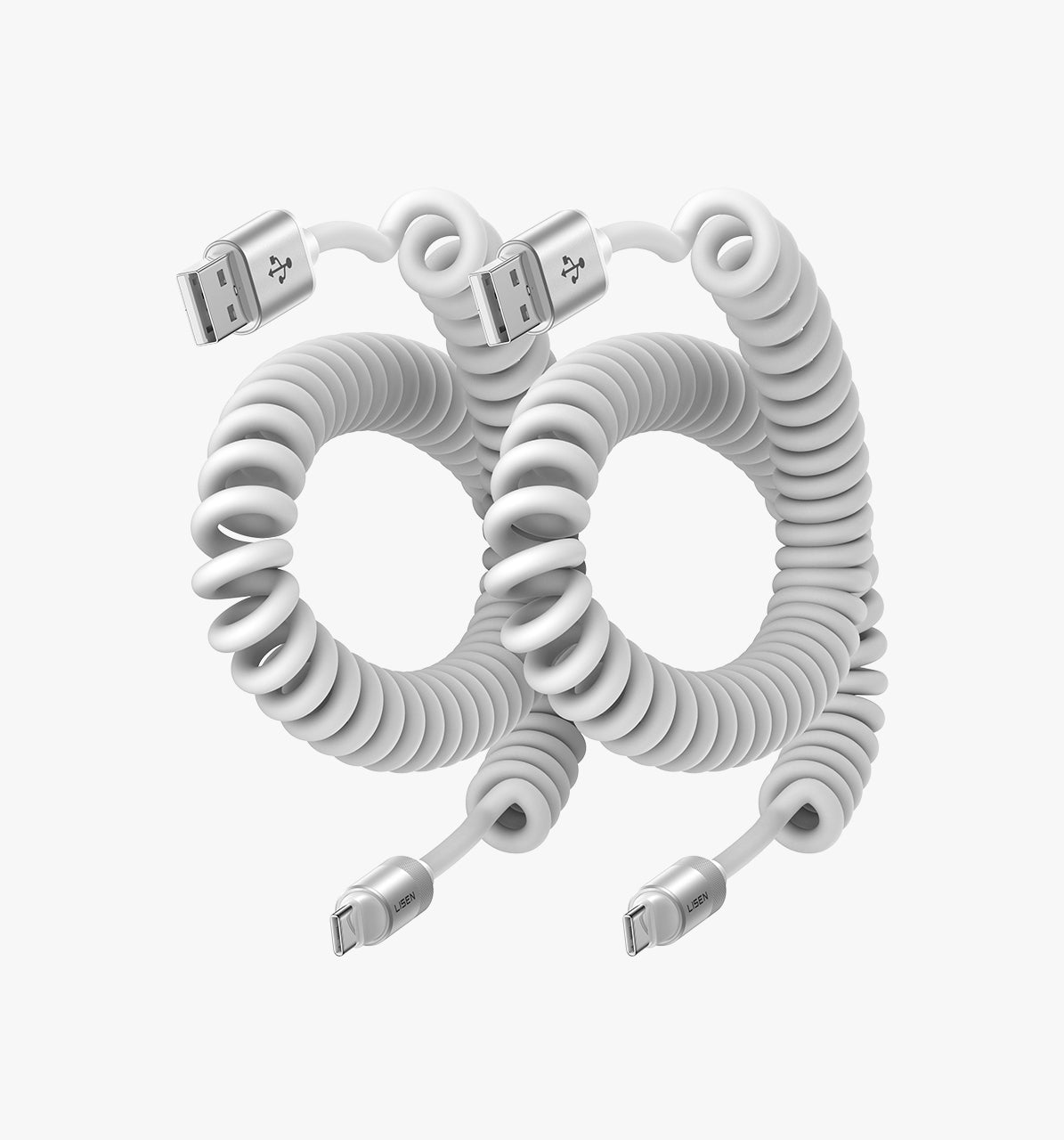
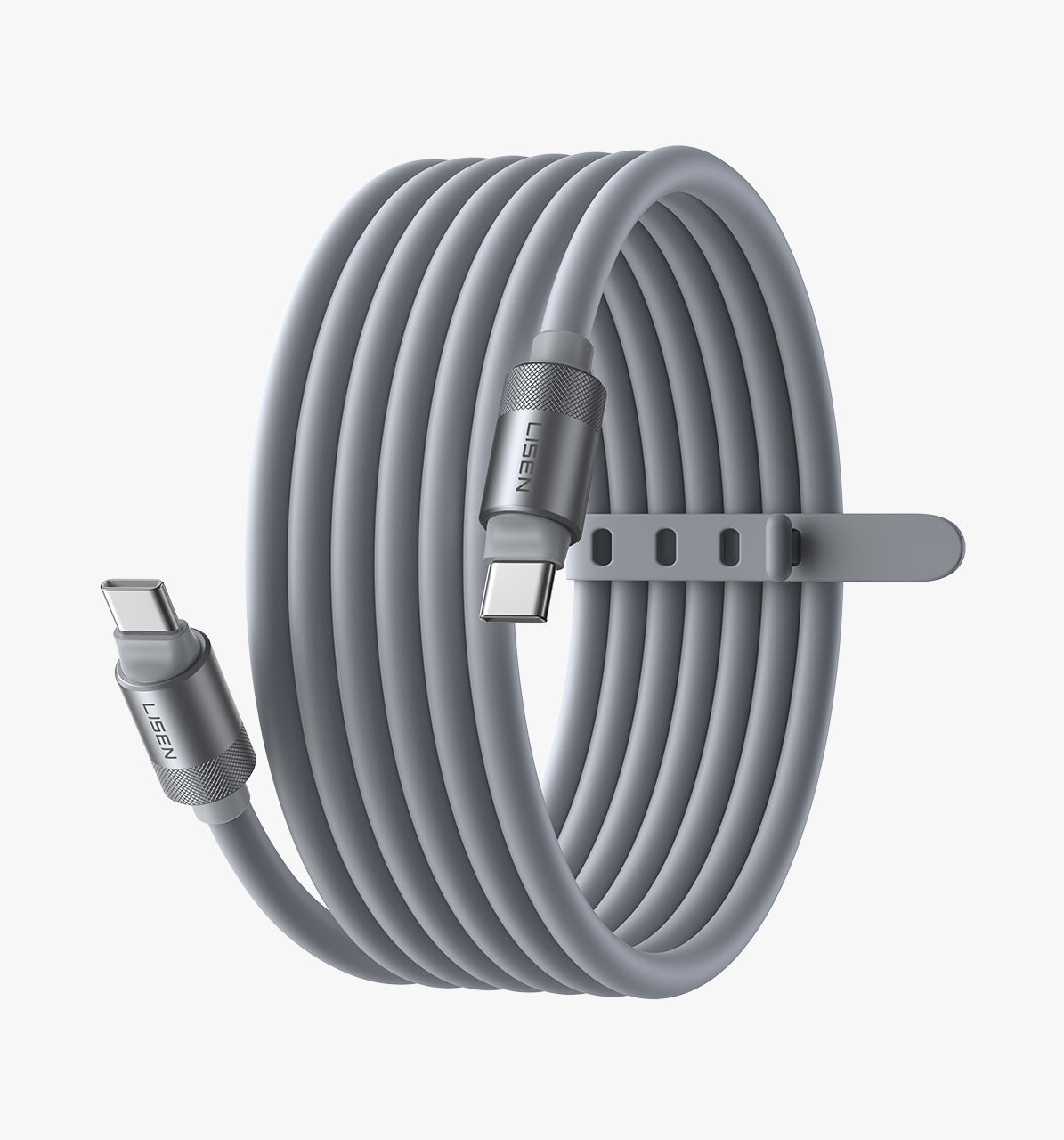
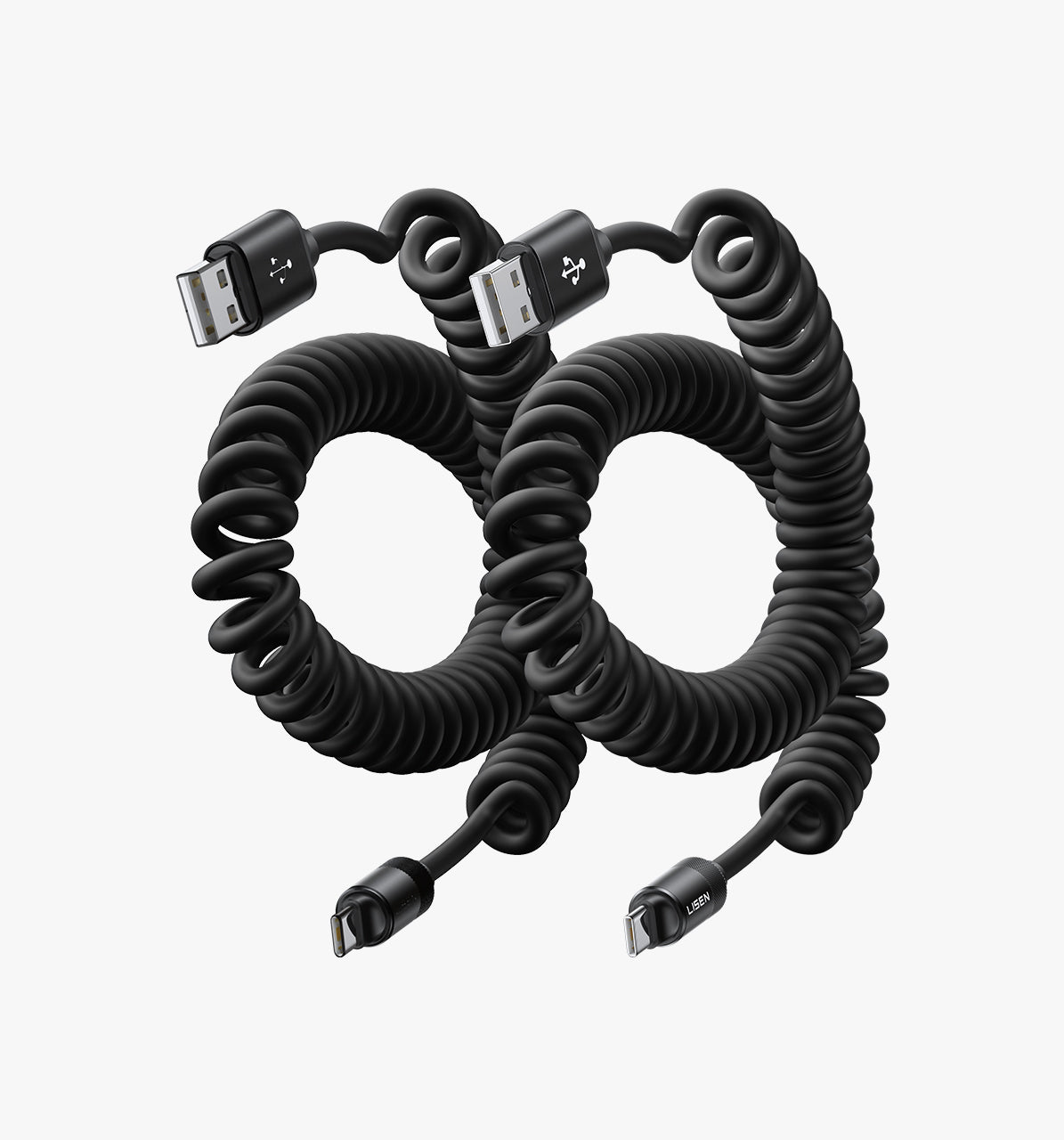
![Lisen USB C to C Cable [60W, 5-Pack]](http://lisen.com/cdn/shop/files/b60e42be6479bf1c78c509db2a53982a.jpg?v=1783940897)
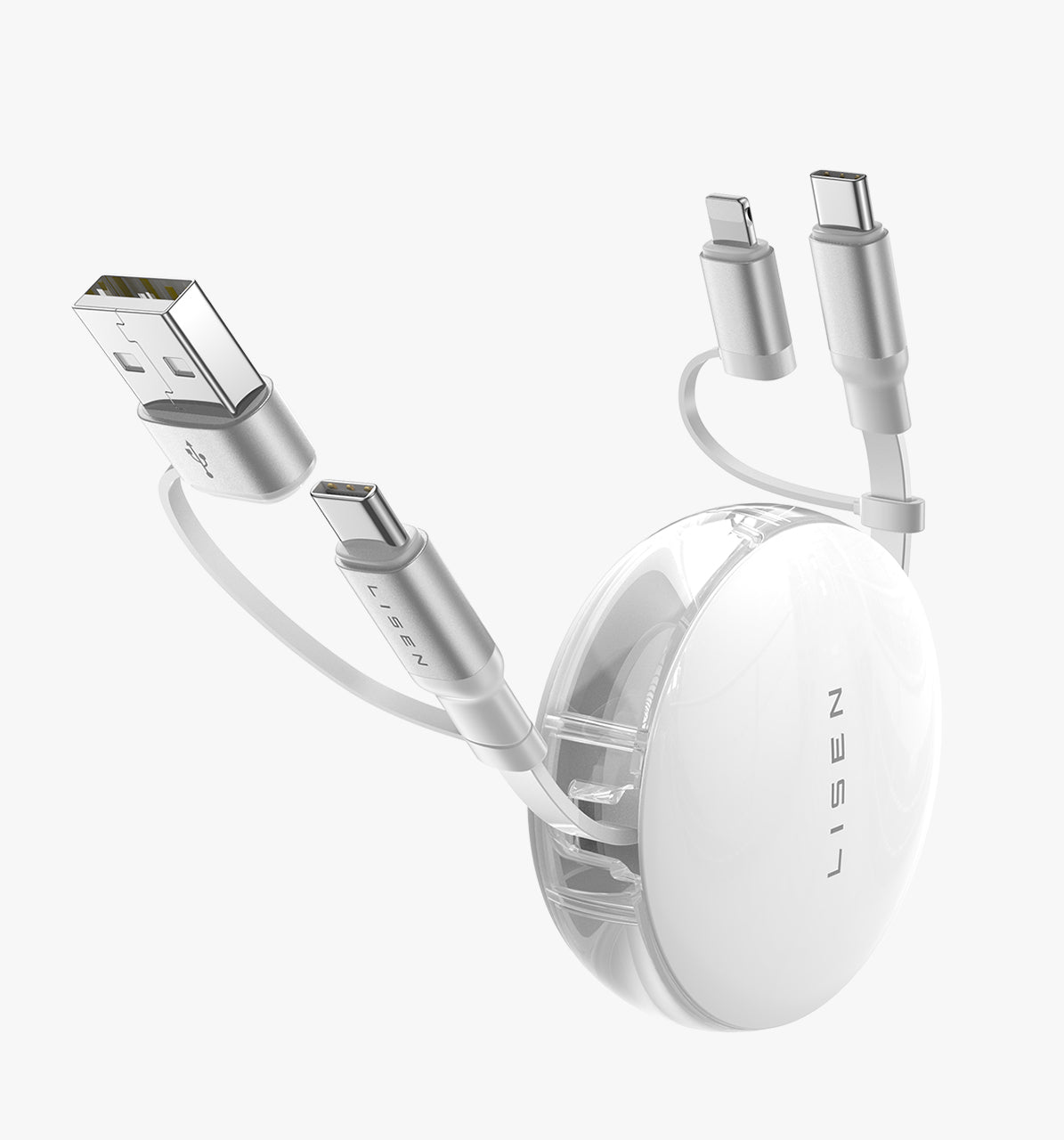
![LISEN iPhone 17 240W 4-in-1 USB-C Cable [6.6FT]](http://lisen.com/cdn/shop/files/L110.jpg?v=1783940846)

![8-Pack Desk Cord Organizers [1S Snap-On] Charging Cable Holder](http://lisen.com/cdn/shop/files/L123.jpg?v=1784190056)